How to Watch TV in an RV Without Cable (Checklist)
By View IPTV Editorial Team · · 6 min read
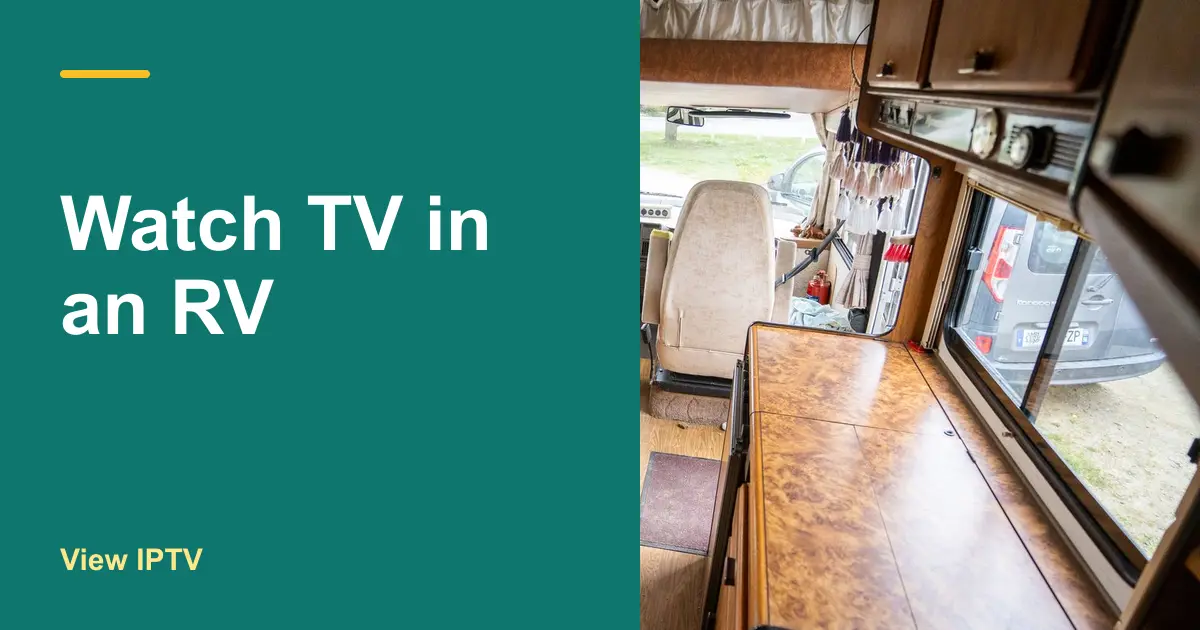
It is dusk, the rain has started and the campsite has no cable hookup. You switch on the RV TV and it says "no signal." Sound familiar? It is the moment that makes many travelers search for how to watch TV in an RV without cable.
The good news is that you do not need a cable hookup at all. You need a source, a connection and a screen, and each one can be planned in advance. The checklist below walks through all three, in the order that saves the most trouble on the road.
The three things every RV TV setup needs
At home, cable bundles all three into one box. On the road you pick them yourself. Think of them as a short list.
- A source: where the picture comes from, such as an antenna or an internet TV service.
- A connection: how that source reaches you, such as the air, a phone hotspot or satellite internet.
- A screen: the TV itself, with a smart TV or a small streaming stick to run the apps.
Once you can name your choice for each one, you have an RV TV setup. The rest is about making it work at the campsites you actually visit.
How to watch TV in an RV without cable: choose a source
There are four common sources. Most travelers use one or two, so read them all before you decide.
| Source | Needs internet | Works best | Watch out for |
|---|---|---|---|
| Roof or portable antenna | No | Near cities and towns | Reception changes at every stop |
| Internet TV service | Yes | Wherever your connection is steady | Data use and weak signal |
| Satellite TV | No | Open sky and a fixed setup | Needs a clear view and aiming |
| Stored media (discs or downloads) | No | Remote spots | A limited library |
An antenna is a good backup because it costs nothing each month. If your RV has a built-in one, make sure the TV input is set to antenna and not cable. The weakness is range: signals fade the farther you travel from towns.
Internet TV is the most flexible choice because it follows you across states. View IPTV carries 20,000+ live channels and 80,000+ movies and series, with an EPG guide and catch-up TV. It runs on a smart TV, a Fire TV Stick, Android and more, so it fits the way most RVs are set up.
Plan your connection before you leave
If you choose internet TV, the connection is the part that decides everything. Here are the main ways RVers get online.
- Phone hotspot: the simplest start. Your phone shares its mobile data with the TV or stick. Setup steps for an Android phone or tablet are on our devices page.
- A dedicated mobile hotspot: a small device with its own SIM and data plan, which keeps your phone free.
- Campground Wi-Fi: free or cheap, but shared by everyone at the park. It is often slow in the evening, which is exactly when you want to watch.
- Satellite internet: reaches remote spots, but you need a clear view of the sky and the right gear.
How fast does the connection need to be?
The FCC's Broadband Speed Guide lists about 3 to 4 Mbps for standard definition video, 5 to 8 Mbps for HD and about 25 Mbps for 4K, for one activity at a time. If two people stream at once, or someone else uses the connection, add those numbers together.
How much data will you use?
| Picture quality | Approximate data per hour |
|---|---|
| Standard definition | About 1 GB |
| HD | About 1.5 to 3 GB |
| 4K | About 7 GB or more |
These are rules of thumb, and the real figure depends on the service and settings. Still, a few evenings of HD can use a big share of a small data plan. Check your plan limit, and lower the picture quality if you need to stretch it.
Packing checklist for an RV TV setup
Before you hit the road
- A TV with an HDMI port, or a smart TV with the apps you need.
- A streaming stick or box if the TV is not a smart one, plus its power cable.
- Your hotspot device or phone plan, with enough data for the trip.
- An HDMI cable and an adapter for a phone or laptop, as a backup.
- The TV's remote and a spare set of batteries.
- A small power strip, and the right adapter if your TV runs on 12V.
- An antenna, if you want free local channels as a fallback.
Test the whole setup in your driveway
- 1
Connect to your hotspot
Join the hotspot from the TV or stick, just as you will at the campsite.
- 2
Start a free trial
Request a trial on WhatsApp so you can check the channel list and picture quality on your own TV before paying anything.
- 3
Watch for an hour
Note any buffering and how much data an hour used. Then you know what to expect on the road.
- 4
Pick your plan
If it works, choose a length that matches your travel. A short plan can cover one season, and longer ones lower the monthly cost. See the plans and prices.
What to do when the signal drops
- Move the hotspot closer to a window, or raise it higher in the RV.
- Lower the picture quality to use less bandwidth.
- Pause other devices that are using the same connection.
- Switch to your antenna or stored media for the night.
- Ask in the FAQ, or message support on WhatsApp, which is available 24/7.
Split the year between a winter home and a summer home? See TV for snowbirds without cable. If you are still deciding whether to give up cable at home too, read our cord cutting guide and the steps in how to switch from cable to IPTV. You can also compare the cable TV alternatives side by side.
Conclusion: how to watch TV in an RV without cable
Learning how to watch TV in an RV without cable comes down to three choices: a source, a connection and a screen. Plan a backup for each, check your data, and test it all in your driveway before the first trip.
When you are ready, request a free trial from View IPTV on WhatsApp and see how it looks on your RV TV.
Frequently asked questions
Can I watch live TV in an RV without cable or satellite?
Yes. An antenna picks up local broadcasts for free, and an internet TV service delivers live channels over a hotspot or campground Wi-Fi. Many travelers use both, so they have a fallback.
How much data does streaming TV use in an RV?
Roughly 1 GB an hour for standard definition, 1.5 to 3 GB for HD and 7 GB or more for 4K. Check your data plan and lower the quality if you need to save data.
Can I use my phone as a hotspot for RV TV?
Yes, if your plan allows hotspot use. It is a simple way to start. For heavy use, a dedicated mobile hotspot keeps your phone free and your data separate.
What is the best way to get TV in an RV with no campground Wi-Fi?
Bring your own connection. A mobile hotspot with a good data plan works in many places, satellite internet reaches remote ones, and an antenna or stored media covers the nights with no signal at all.
Share this article
WhatsApp